
Chatgpt Atlas Browser: What It Is and Why Everyone Is Talking About It
ChatGPT Atlas, Agent Mode, AI browser 2026, web automation, OpenAI browser features, ChatGPT agent workflows, AI browser navigation.

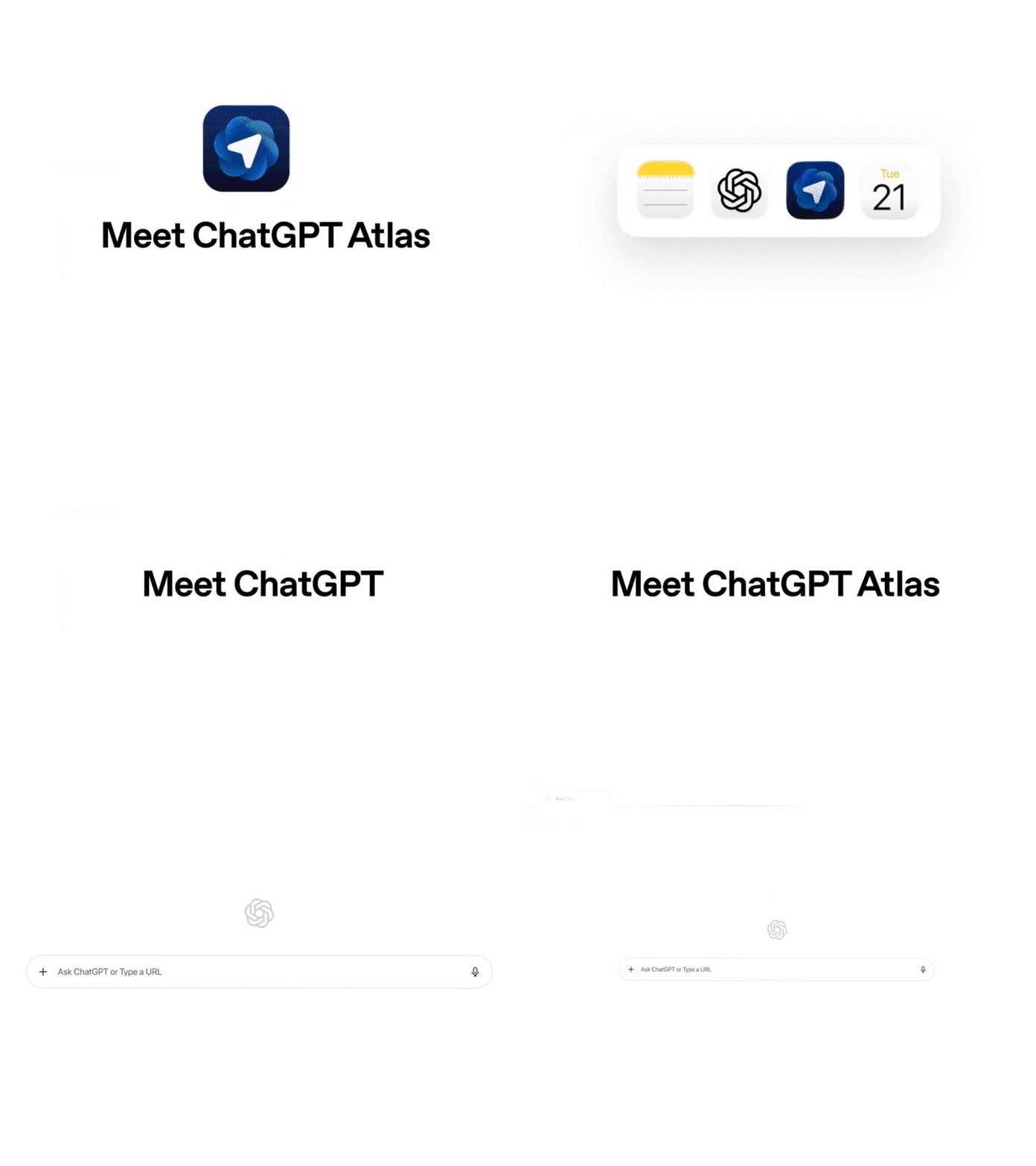
ChatGPT Atlas Browser: What It Is, Key Features, and Why Everyone Is Talking About It
ChatGPT Atlas is OpenAI's new AI-powered web browser that puts ChatGPT at the center of your browsing experience — and it's already being called a Chrome killer. ChatGPT Atlas browser, ChatGPT Atlas, OpenAI browser, AI web browser, ChatGPT browser, Atlas AI browser, OpenAI Atlas, ChatGPT search, and AI browsing — these are the searches dominating tech news right now. OpenAI CEO Sam Altman described Atlas as "a rare once-in-a-decade opportunity to rethink what a browser can be." The browser launched globally on macOS on October 21, 2025, with Windows, iOS, and Android versions coming soon. Read more about ChatGPT Atlas →
ChatGPT Atlas is a direct challenge to tech giants like Google, Apple, and Microsoft, whose browsers have long dominated the internet. According to OpenAI, the browser is designed to help users complete "tasks without copying and pasting or leaving the page." If OpenAI can attract internet users to its new browser, it can push them toward its own online services and more easily gather data that can be used to improve its AI technologies. Read more AI trends →
Experience the Future of Browsing
Get the best accessories and gear for your AI-powered browsing experience.
Shop Tech Gear →What Is ChatGPT Atlas?
ChatGPT Atlas is a free web browser built with ChatGPT at its core. Unlike traditional browsers where AI is an add-on, Atlas integrates ChatGPT deeply into every aspect of browsing. The browser is currently available for macOS, with versions for Windows, iOS, and Android in development.
Atlas does not include a traditional address bar. To visit a website, users must type the address into ChatGPT's chat window, essentially removing competing search engines from the process. This approach allows OpenAI to directly gather user data that can train future AI technologies.
Key Features of ChatGPT Atlas
Ask ChatGPT Sidebar
Atlas features a ChatGPT sidebar that can be opened on any page to summarize, analyze, or handle tasks directly in the same window. Unlike Google's Gemini integration, which often appears as a floating window that interrupts workflow, Atlas keeps ChatGPT固定在侧边栏, providing help without covering your content.
Browser Memories
Browser memories let ChatGPT remember context from the sites you visit and bring that context back when you need it. This means you can ask ChatGPT questions like: "Find all the job postings I was looking at last week and create a summary of industry trends so I can prepare for interviews." Browser memories are completely optional and always under your control.
Scrolling Tabs
Atlas introduces "Scrolling Tabs," a feature that allows users to scroll through tabs horizontally instead of having them shrink into tiny icons. When you have dozens of tabs open, Chrome's tabs get smaller and smaller until they're just a "X" symbol. Atlas keeps each tab at a readable size, and you can scroll through them with a mouse wheel or trackpad.
In-Line Writing Help
You can pull up ChatGPT in any form field to write or edit without switching tabs. Highlight text inside the form field or document and click the ChatGPT logo to get started. This feature is useful for drafting emails, summarizing documents, and brainstorming ideas without leaving the page you're on.
Agent Mode
Agent mode is the most powerful feature of ChatGPT Atlas. Available in preview for Plus, Pro, and Business users, agent mode allows ChatGPT to perform multi-step, web-based tasks on your behalf.
Imagine you're planning a dinner party and you have a recipe in mind. You can give the recipe to ChatGPT and ask it to find a grocery store, add all the ingredients to a cart, and order them to your house. At work, you can ask ChatGPT to open and read through past team documents, perform new competitive research, and compile insights into a team brief.
When you ask a question, ChatGPT may ask you if it should start opening tabs and clicking in your browser to complete the task. You can also select the agent mode button to have ChatGPT start. Agent mode has built-in safety controls: it cannot run code in the browser, download files, or install extensions. It also pauses for sensitive actions and keeps you in control.
Boost Your Productivity
Ergonomic gear and accessories for working with AI-powered browsers and tools.
Shop Productivity Gear →How Atlas Compares to Chrome
According to reviews from Tom's Guide, Atlas has four key advantages over Chrome:
- ChatGPT Sidebar: More natural and less intrusive than Google's Gemini integration
- Scrolling Tabs: Keeps tabs readable when you have many open
- Easy URL Display: One-click toggle for full URL viewing
- Chromium-Based: Built on Chromium for compatibility with Chrome extensions and security updates
However, Atlas has some drawbacks. Early versions didn't support multiple Google account switching, though this was fixed in a March 2026 update. Some users also found the upgrade prompts too frequent.
Recent Updates to ChatGPT Atlas
OpenAI continues to improve Atlas with regular updates. Key recent features include:
- Multiple ChatGPT logins (March 2026) — Switch between work, personal, and school accounts
- Auto organize tabs (February 2026) — Let ChatGPT decide how to group your tabs
- Saved prompts (February 2026) — Save frequently used prompts and reference them anytime
- Tab renaming (February 2026) — Customize tab names for better organization
- Smart quick actions (February 2026) — Proactive suggestions based on what you're doing
Privacy and Data Controls
OpenAI has built privacy controls into Atlas. By default, browsing content is not used to train models. You can opt in to include browsing content for training under data controls settings.
Key privacy controls include:
- Browser Memories: Turn on or off, view, archive, or delete memories at any time
- Per-Site Toggles: Decide which sites ChatGPT can see using the toggle in the address bar
- Incognito Mode: Open a window where you're signed out and chats aren't saved
- Parental Controls: Parents can turn off browser memories and agent mode
Who Is ChatGPT Atlas For?
Atlas is ideal for power users, researchers, students, and anyone who wants an AI assistant deeply embedded in their reading and writing flow. According to one review, "For power users, researchers or anyone who wants an AI assistant deeply embedded in their reading and writing flow, it's a game-changer."
However, casual, mobile-first users might not find it essential. The browser is currently desktop-only, so users who primarily browse on their phones won't get much use from it yet. But with mobile versions coming, Atlas is positioned to become a major player in the browser wars.
Secure Your Browsing
Protect your privacy and data with top-rated security tools and VPNs.
Shop Security & VPN Gear →FAQ: ChatGPT Atlas Browser
Q: What is ChatGPT Atlas?
A: ChatGPT Atlas is OpenAI's new web browser with ChatGPT built at its core. It's available for macOS, with Windows, iOS, and Android versions coming soon.
Q: Is ChatGPT Atlas free?
A: Yes. Atlas is free for all users — Free, Plus, Pro, Go, and Business. Agent mode is a paid feature for Plus, Pro, and Business users.
Q: What is Agent Mode in ChatGPT Atlas?
A: Agent mode allows ChatGPT to perform multi-step web-based tasks on your behalf, such as researching, shopping, and booking appointments. Available in preview for Plus, Pro, and Business users.
Q: How does Atlas compare to Chrome?
A: Atlas offers deeper AI integration with ChatGPT, scrolling tabs, and a more natural sidebar experience. However, it lacks some of Chrome's features and is currently desktop-only.
Q: What platforms is Atlas available on?
A: Atlas is currently available on macOS. Windows, iOS, and Android versions are in development.
Q: Is my browsing data used to train OpenAI models?
A: By default, no. You can opt in to include browsing content for training under data controls settings.
Related Stories
- ChatGPT Atlas: Complete Guide
- OpenAI News: Latest Developments
- AI Trends 2026: What's Next
- Browser Wars: AI vs Traditional
- Tech News: Latest Updates